
 October 30, 2026
Filament SKU Onboarding Checklist for Distributors
The product data a distributor needs from a filament factory before listing a new SKU: specifications with methods, spool and carton data, identifiers and barcodes, per-market documents, and print settings - requested at quote stage, kept current after launch.
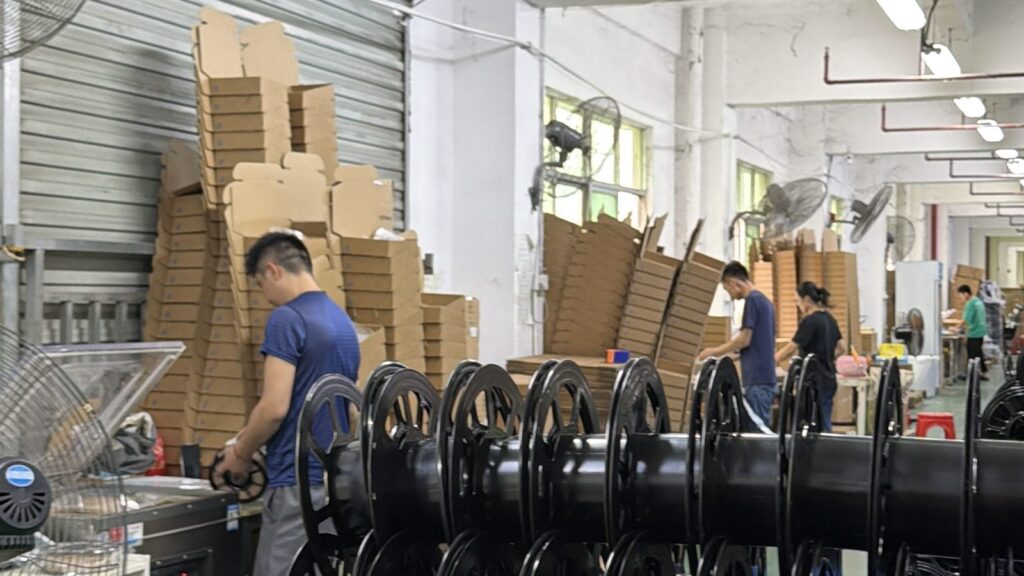
Adding a filament SKU looks like a purchasing decision. It is a data project with a purchase order inside it. The spools arrive eventually; the forty-odd fields behind them decide how fast they sell.
I onboard filament SKUs for distributors, so I keep one list and send it to the factory at quote stage. This guide is that list: specifications, spool and carton data, identifiers, documents and print settings, with the checks that keep each entry honest.
Table of Contents
- Why Does a New Filament SKU Need a Data Pack?
- Which Specifications Belong on the Listing?
- What Spool and Packaging Data Should You Collect?
- Who Owns Barcodes and Product Identifiers?
- Which Documents Travel With the SKU?
- What Print Settings Should the Supplier Provide?
- How Do You Keep SKU Data Current After Launch?
- True or False: SKU Data Beliefs
- FAQ
- Conclusion
Why Does a New Filament SKU Need a Data Pack?
A SKU without data is not a product. It is a promise with a part number.
Watch what happens when a distributor skips the data step. The listing waits a week because nobody has photos and specifications in one file. The warehouse guesses where to slot the cartons because nobody sent dimensions. The freight quote bounces because net and gross weights are missing. A customer asks about bed temperature, and support answers with silence. Every gap becomes a round-trip email to a factory in another time zone.
Generic onboarding checklists treat this as an ERP problem: fields, workflows, approvals. They are right about the process and silent about the category. Filament carries data most products do not — a tolerance that decides whether prints fail, a colour that must match across batches, a spool that has to fit real racks and real printers, and a document chain your downstream customers will inherit from you.
My rule is simple: the data pack is requested at quote stage, delivered before the deposit, and filed per SKU. Ask for it as a line item in the quotation, and it tends to arrive with the quotation. That habit matters more for a wholesale filament programme than any single field on the list.
Which Specifications Belong on the Listing?
A datasheet number without a method is a rumour with decimals.
The specification block is the part of the data pack your customers actually read. Six fields do most of the work:
| Field | Why the listing needs it | What a complete answer looks like |
|---|---|---|
| Nominal diameter and tolerance | The first specification your customers compare; it underwrites every print-quality claim on the page | A stated tolerance band plus how it was measured — not the phrase “high precision” |
| Roundness | Feeding consistency, which is what repeat customers actually judge | A method reference your QC team agrees with, applied to samples you approve |
| Material and grade | “PLA” is a family, not a product; grades behave differently between makers | A named grade or formulation reference that matches the technical data sheet |
| Colour identification | Colour names drift between batches, screens and factories | A code — a RAL reference or measured colour values — plus a physical chip kept per SKU |
| Net weight | Price-per-kilogram math and listing accuracy | Stated net weight, with spool and packaging weights stated separately |
| Storage and drying guidance | Cuts support tickets before they happen | Material-specific drying and storage wording tied to the grade |
Two habits keep this table honest. Any number that arrives without a method gets a question mark in my file until someone answers for it. Any claim on my listing must trace back to a document the factory stands behind — not to a slogan in a catalogue. A supplier that takes specifications seriously shows it in how it presents its filament range: stated values, stated methods, per product.
Photography belongs in this section too. Catalogue renders and “reference spools” from another production line are a known trap. Ask two questions before you publish: do these photos show the exact SKU I am buying, and may I use them commercially? A factory that answers both in writing has saved you a takedown notice and a reshoot.
What Spool and Packaging Data Should You Collect?
The spool is part of the product. Your warehouse team learns this before your customers do.
Spool geometry decides things nobody thinks about until they hurt: whether spools fit your racking, your customers’ dry boxes, their holders, their production lines. Ask for a spool drawing — flange diameter, hub bore, width — plus the empty spool weight, and treat winding style as a real specification, because it is what tangle complaints are made of.
| Data point | Who uses it downstream | Where it comes from |
|---|---|---|
| Spool drawing (flange, hub, width) | Listing pages, warehouse racking, customer printer fit | Factory drawing, checked against a sample spool |
| Empty spool and gross weight | Shipping cost, customs declarations, inventory records | Drawing plus a weighed packed sample |
| Winding style | Support content and any feed-consistency wording | Your own inspection of the approved sample |
| Spools per export carton | Ordering in carton multiples, storage planning | The packing specification attached to the quote |
| Carton dimensions and gross weight | Freight quotes, pallet build, slotting | The packing specification |
| Pallet configuration | Warehouse slotting and receiving labour | The packing specification |
| Label position and format | Receiving scans and shelf handling | An approved artwork proof |
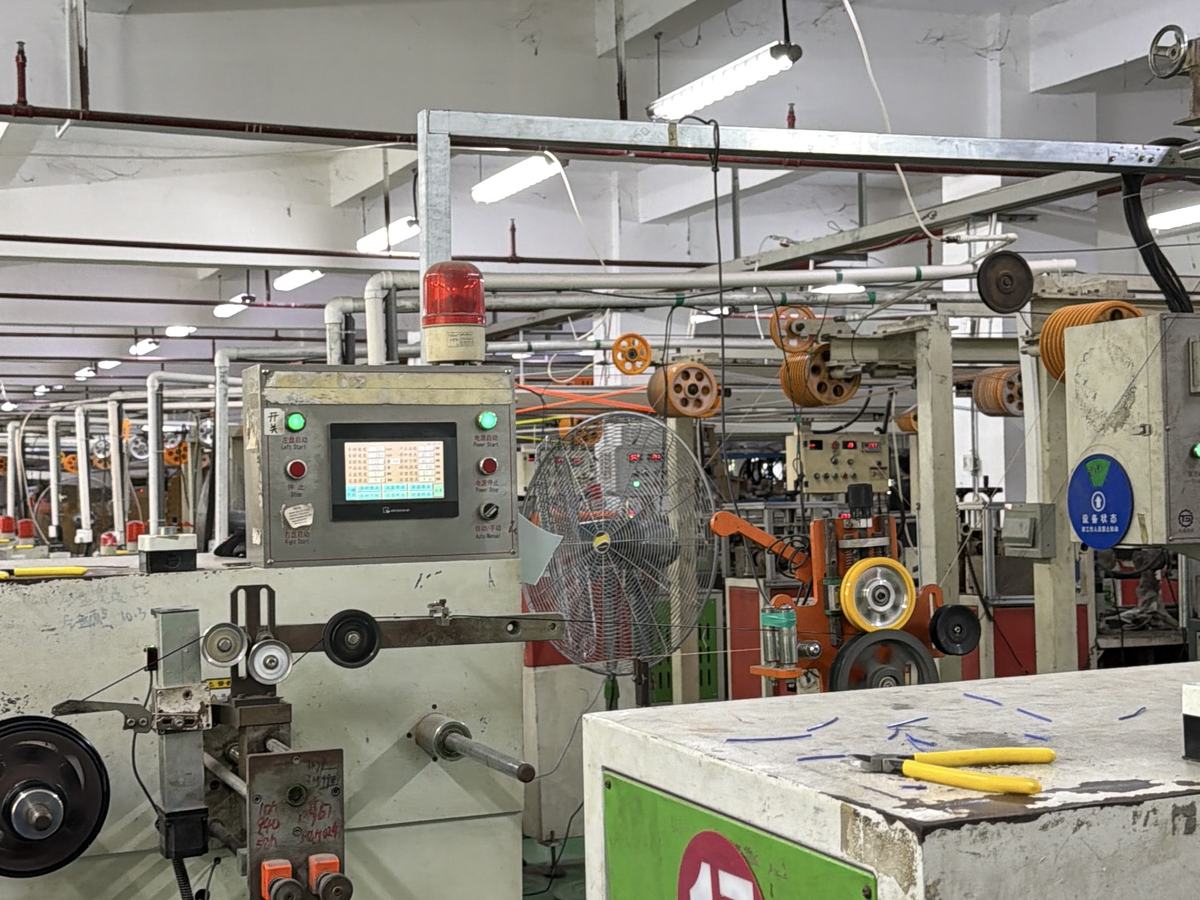
Notice how many rows say “the packing specification”. Carton configuration, weights and pallet build belong in the quotation itself, as a packing spec written into the quote, not in a goodwill email the day before shipment. When the packing data is a contract line, your freight quotes stop being guesses.
Who Owns Barcodes and Product Identifiers?
A barcode your warehouse cannot scan is a return you have not met yet.
Identifiers decide who does the labelling work, so settle them in writing before mass production. Three layers are in play. Your internal SKU code structure, which is yours to design. The factory’s batch or lot code — ask for its format and where it is printed: spool label, individual box, export carton. And the retail-facing code, the GTIN, which is licensed to your company through GS1 US — not invented in a spreadsheet, because marketplaces and retail customers can check the prefix.
Then decide who prints what. Two workable setups exist: your GTIN and artwork printed by the factory onto spool labels, or your own labelling applied on arrival. Both are legitimate; neither is free. Whichever you choose, ask for an artwork proof before the production run and scan-test a printed sample against your records.
Keep one identifier sheet per SKU: internal code, factory batch format, GTIN, and the customs classification you declare. If you import into the United States, the Harmonized Tariff Schedule entry your broker files has to match the goods — record it per SKU and revisit it when the product changes, using the official HTS reference rather than a forum post.
Which Documents Travel With the SKU?
Documents are the SKU’s memory. Left untended, they drift.
Your customers ask your brand. Your brand asks the factory. The question travels downstream, so the answer has to travel with it. Three documents carry most of the weight at onboarding:
| Document | What it should carry | What to check at onboarding |
|---|---|---|
| Technical data sheet (TDS) | Specifications for the exact SKU — diameter, tolerance, properties | Product name matches the quotation; a revision date exists |
| Safety data sheet (SDS) | Safety and regulatory status for your destination market | The right format for that market, issued for the material you actually buy |
| Batch certificate (CoA) | Measured results tied to production batches | The format links lot codes to results, so support claims trace to a batch |
Version discipline is what separates a document system from a document pile. When a formulation, colourant or spool changes, the affected sheets should be reissued and your per-SKU file updated. Batch-level records are also your support team’s audit trail — the same discipline that keeps batch-level quality records honest upstream keeps your listings honest downstream.
If the factory cannot produce a document, that is not automatically disqualifying. But the gap goes into the file with an owner and a date, and your listing says only what the documents on hand support. Nothing more.
What Print Settings Should the Supplier Provide?
Settings are part of the product. A listing without them sells homework.
Ask for recommended print settings per SKU — nozzle and bed temperatures, cooling, drying before use, storage guidance — not per material family. These numbers become your product page’s specification tab, your support team’s saved replies, and the difference between a customer who prints well on day one and a customer who opens a ticket.
Then treat them as starting points, because that is what they are. Validate them on your own machines with your own sample, the same discipline as any sample approval checklist. Publish them as recommended starting settings — that wording is defensible — and resist anything that promises a perfect print on every printer, because nobody can promise that.
How Do You Keep SKU Data Current After Launch?
Data goes stale the day it is filed.
Suppliers change formulations, colourants, spools and cartons — sometimes quietly. Require change notice in writing for anything that touches the data pack: a specification, a spool, a packaging detail, a document version. Each notice triggers a small routine: re-check the listing fields, re-file the affected documents, and decide whether the change warrants a new sample run.
Beyond that, I run a yearly review per SKU: document revision dates still current, batch codes still scanning, photos still showing the product being sold, customs classification still matching. It is a dull afternoon per supplier. A mis-listed batch after a quiet formulation change costs considerably more.
True or False: SKU Data Beliefs
True or False: The supplier’s catalogue photos are good enough for my listing.
False. Catalogue images are often reference shots of another line or another maker’s spools. Confirm in writing that photos show the exact SKU, and that you may use them commercially.
True or False: A colour name is enough to tell two SKUs apart.
False. “Army green” means something different in every factory. SKU-level colour identity needs a code — a RAL reference or measured colour values — plus a physical chip on file.
True or False: My team can generate product barcodes internally.
False. An internal code is yours to design; a retail GTIN is licensed through GS1 to your company prefix. Marketplaces check. Decide who prints it before the production run starts.
True or False: Once the SKU is live, the data pack is finished.
False. Formulations, spools and packaging change. Without change notice and a yearly review, your listing quietly stops describing the product you ship.
FAQ
How many data fields does a filament SKU realistically need?
Plan for roughly forty fields across five groups: specifications, spool and packaging data, identifiers, documents, and print settings. Split them by owner — purchasing, warehouse, compliance, support — and the list stops looking large.
Should I collect the data pack before or after the first order?
Before the deposit. The data pack is part of evaluating whether the SKU can be listed at all, and it exposes a supplier’s document discipline while you still have negotiating room.
Can I reuse the supplier’s TDS wording on my product page?
Summarise it and cite the values, but keep your page wording your own, and make sure every number traces to the sheet version you hold. Claims you cannot trace become your claims the moment a customer repeats them.
What if the supplier cannot fill part of the data pack?
Record the gap, assign an owner, and decide whether it blocks the launch. A missing colour code is fixable in days; a missing tolerance method or safety sheet usually blocks. The pattern of the gaps tells you as much as the gaps themselves.
Conclusion
A new SKU earns its shelf space twice: once as a product, once as a record. Request the data pack at quote stage. Demand numbers with methods, identifiers with owners, documents with versions, and print settings published as starting points. File everything per SKU, require change notice in writing, and review the file yearly. The factory that returns a complete pack in one email is telling you something about how it runs the rest of the order. So is the one that returns none.
Tell us the material, volume, packaging and destination — we reply within 12 hours. Reference MOQ from 100+ spools (≈100 kg) for standard colors.
Discuss Your Project